From simulation to shareable insights: introducing Fire Spread reports
Understanding how a fire spreads is critical, but communicating those insights clearly can be just as important as the simulation itself.
From simulation to shareable insights: introducing Fire Spread reports
Understanding how a fire spreads is critical, but communicating those insights clearly can be just as important as the simulation itself.
Until now, sharing Fire Spread results with both fire behavior experts and non-technical stakeholders hasn’t always been straightforward.
With the new Fire Spread report, OroraTech makes it easy to turn complex simulations into clear, structured, and collaboration-ready reports - instantly.
The Challenge: Sharing Fire Spread Insights Beyond the Platform
Fire Spread simulations contain valuable, detailed information. But previously, exporting those insights in a clean, easy-to-read format required extra steps or explanations. This was especially true when reports needed to be shared with decision-makers, partners, or teams without deep fire behavior expertise.
WFS users around the globe asked us for:
A simple way to export simulations for reporting and collaboration.
A format that works for both expert and non-expert audiences.
Clear, structured fire information without manual rework.
Introducing Fire Spread reports
The Fire Spread report addresses this challenge by enabling users to export simulation results directly as a professional, shareable PDF, ready for analysis, collaboration, or documentation.
The feature is available to all customers with a Fire Spread subscription and is designed to support a wide range of use cases, from operational analysis to stakeholder communication.
How it works
Generating a Fire Spread report is simple:
Run a Fire Spread simulation
Navigate to the Cluster tab and save the simulation.
Click the 📄⬇️ report icon
Select “Report (PDF)”
Choose the simulations you want to include and click Export
Within seconds, your report is ready to download and share.
Curious to see the result?
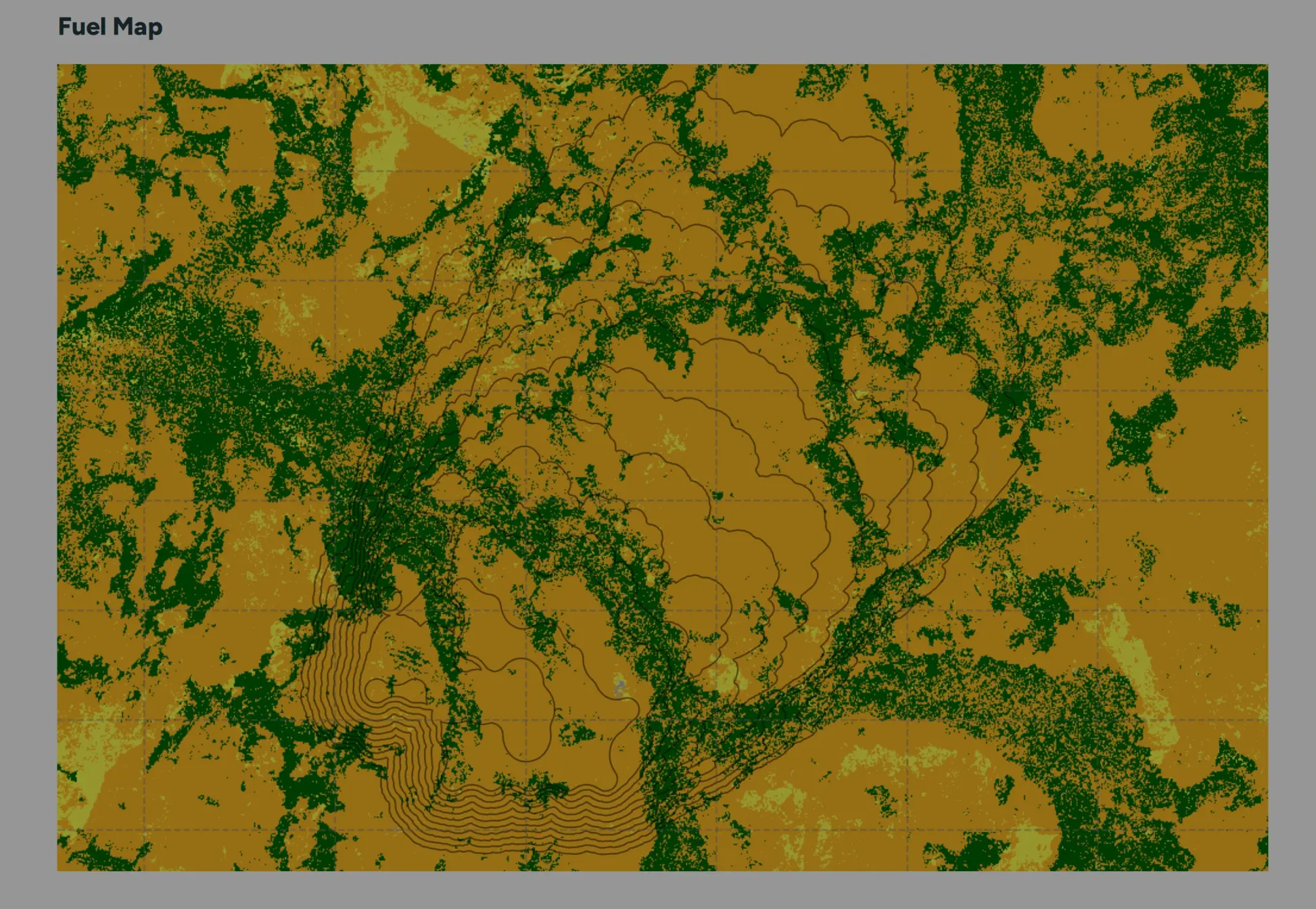
Seeing is believing - we generated a sample PDF output for a wildfire located at -30.154201, 118.199304 near the West Australian town of Merredin to show how the report is generated and displayed. Click through the images below to explore the possibilities within the new tool, or click here to download the full report.
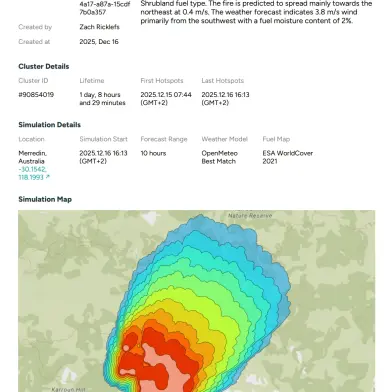
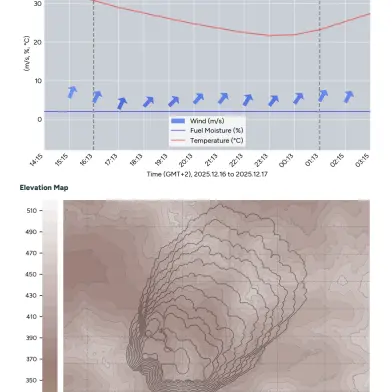
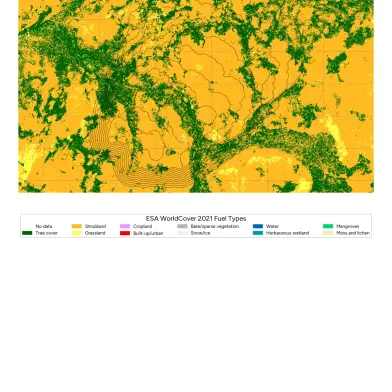
This report is made to be short and to the point, but full of actionable intelligence about a potential spread. With this reporting feature, we aim to increase the understanding and knowledge of a fire - from experts to non-technical stakeholders.
Enabling better decisions through clear communication
Fire Spread simulations are only as powerful as the decisions they enable. By making results easier to export, understand, and share, Fire Spread reports help teams move faster - from analysis to action.
The feature is available now, and we’re excited to see how it supports clearer communication and stronger collaboration across the fire management ecosystem.
Stay in orbit with OroraTech's monthly newsletter!
Read more about OroraTech

OroraTech Brings "Thermal First, Always First" to Red Sky Summit
ICEYE partners with OroraTech to deliver full-lifecycle wildfire intelligence